
Duckstep
A downloadable game for Windows
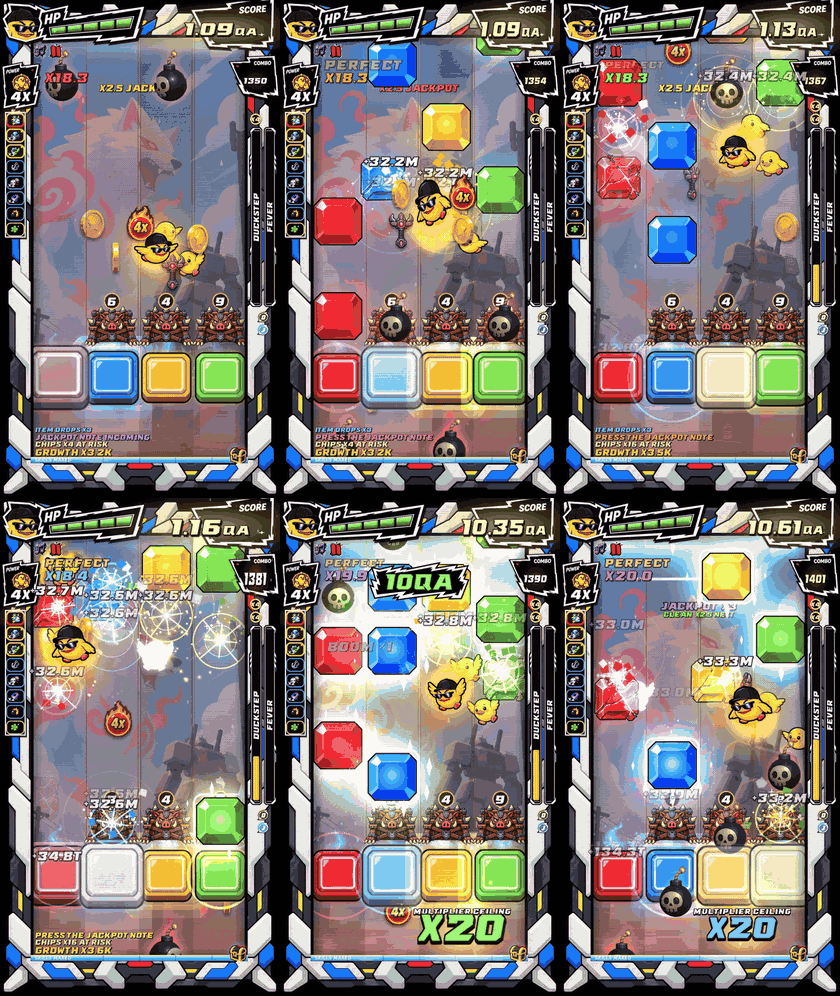
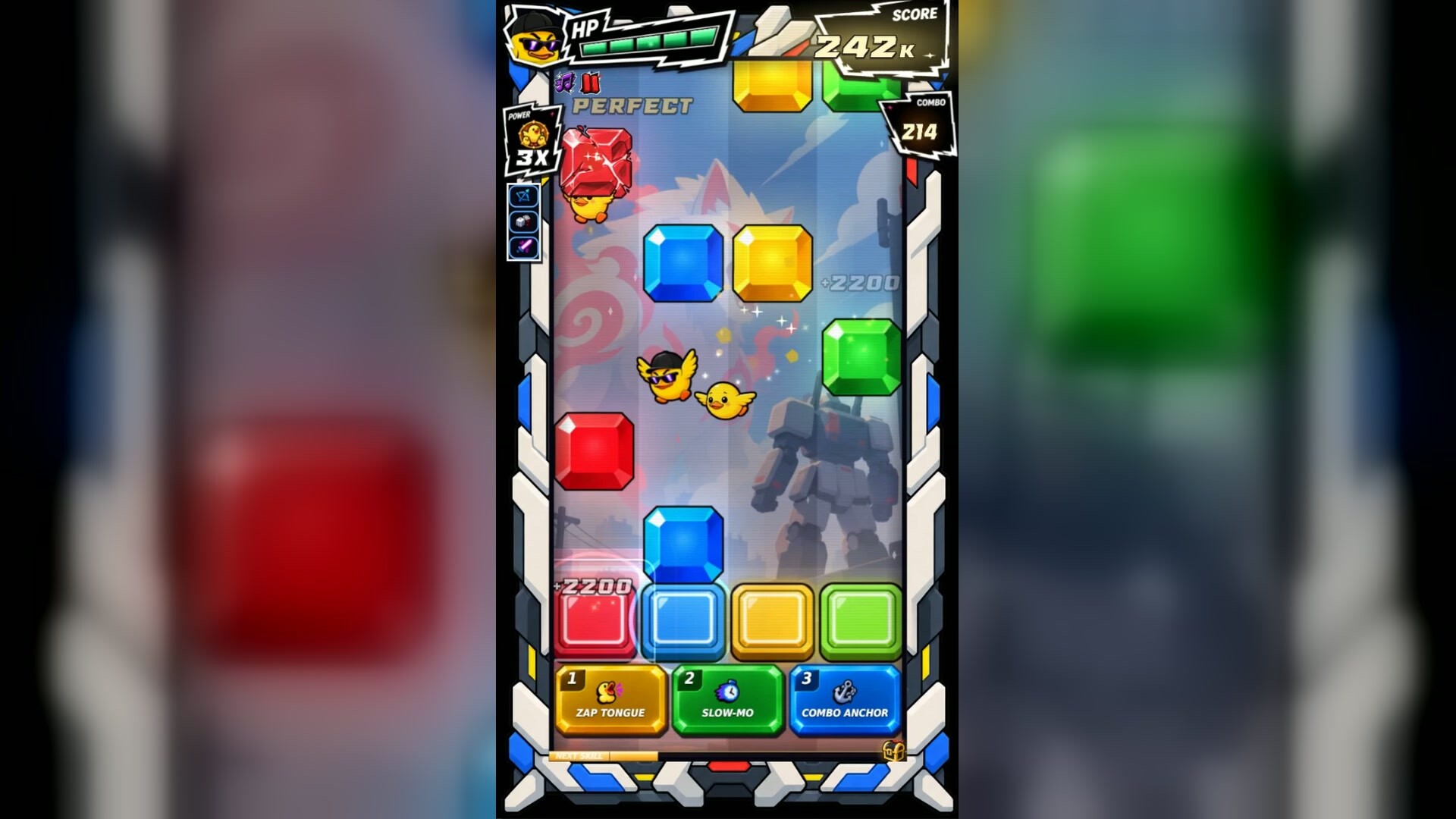
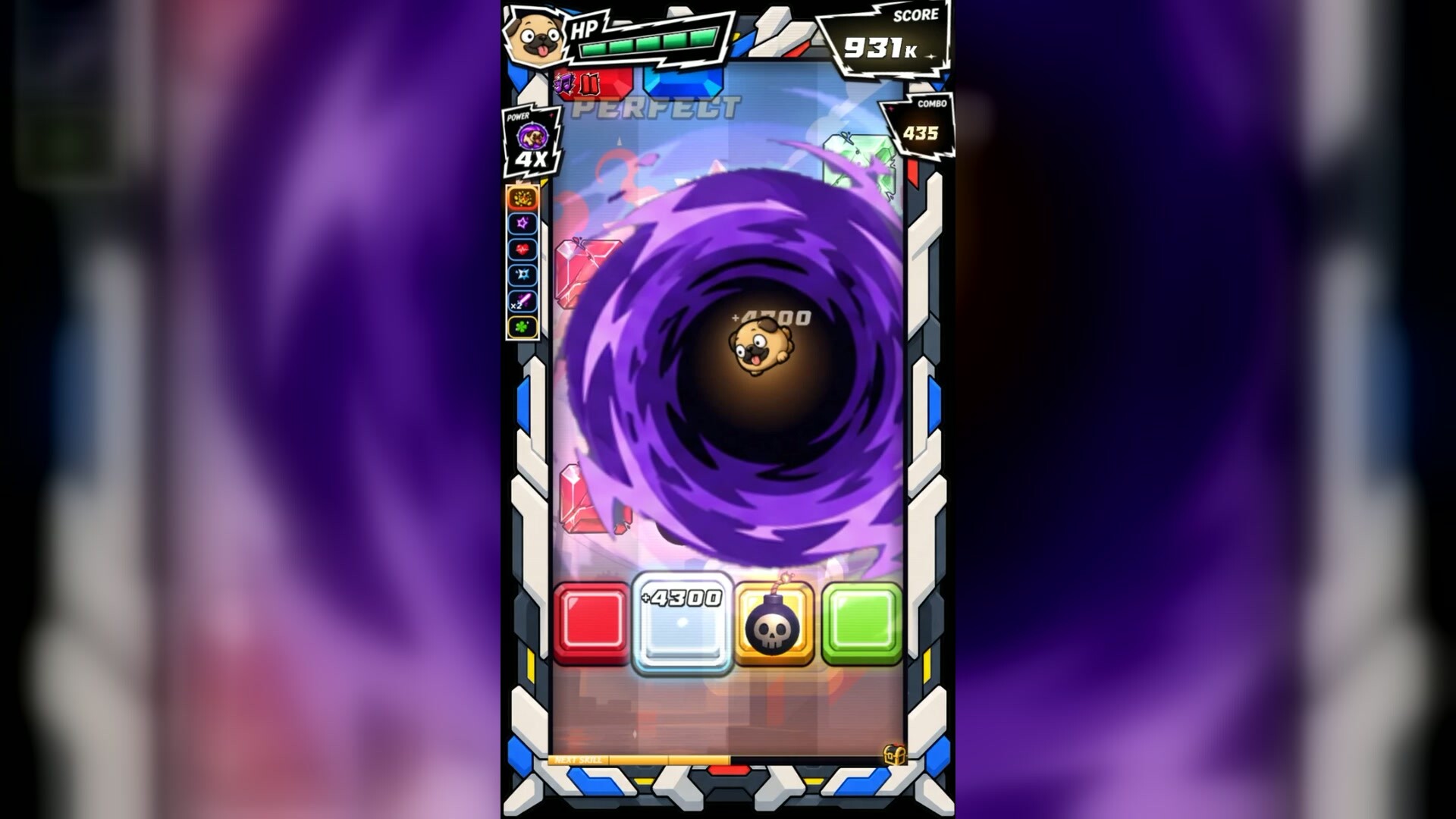
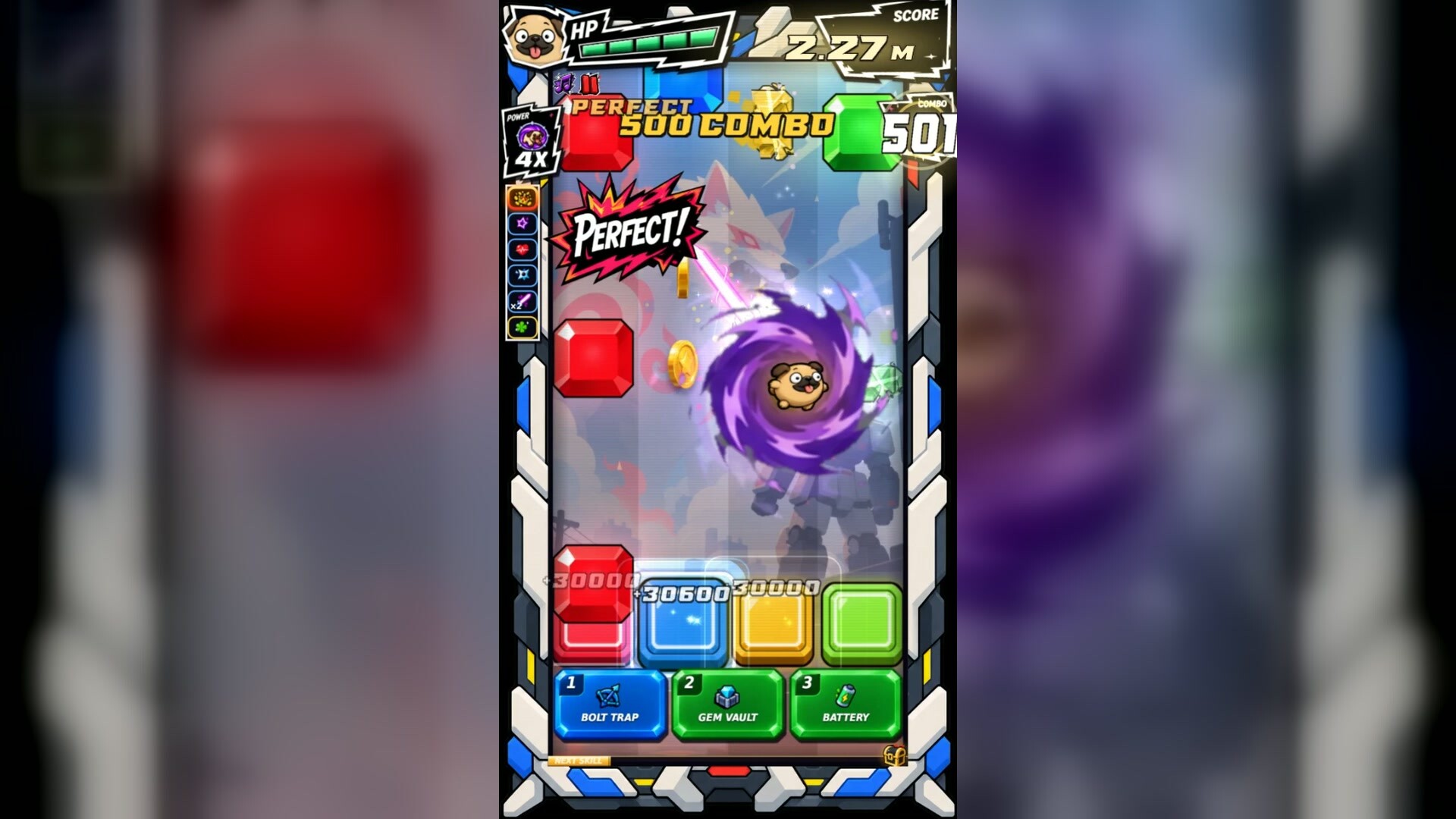
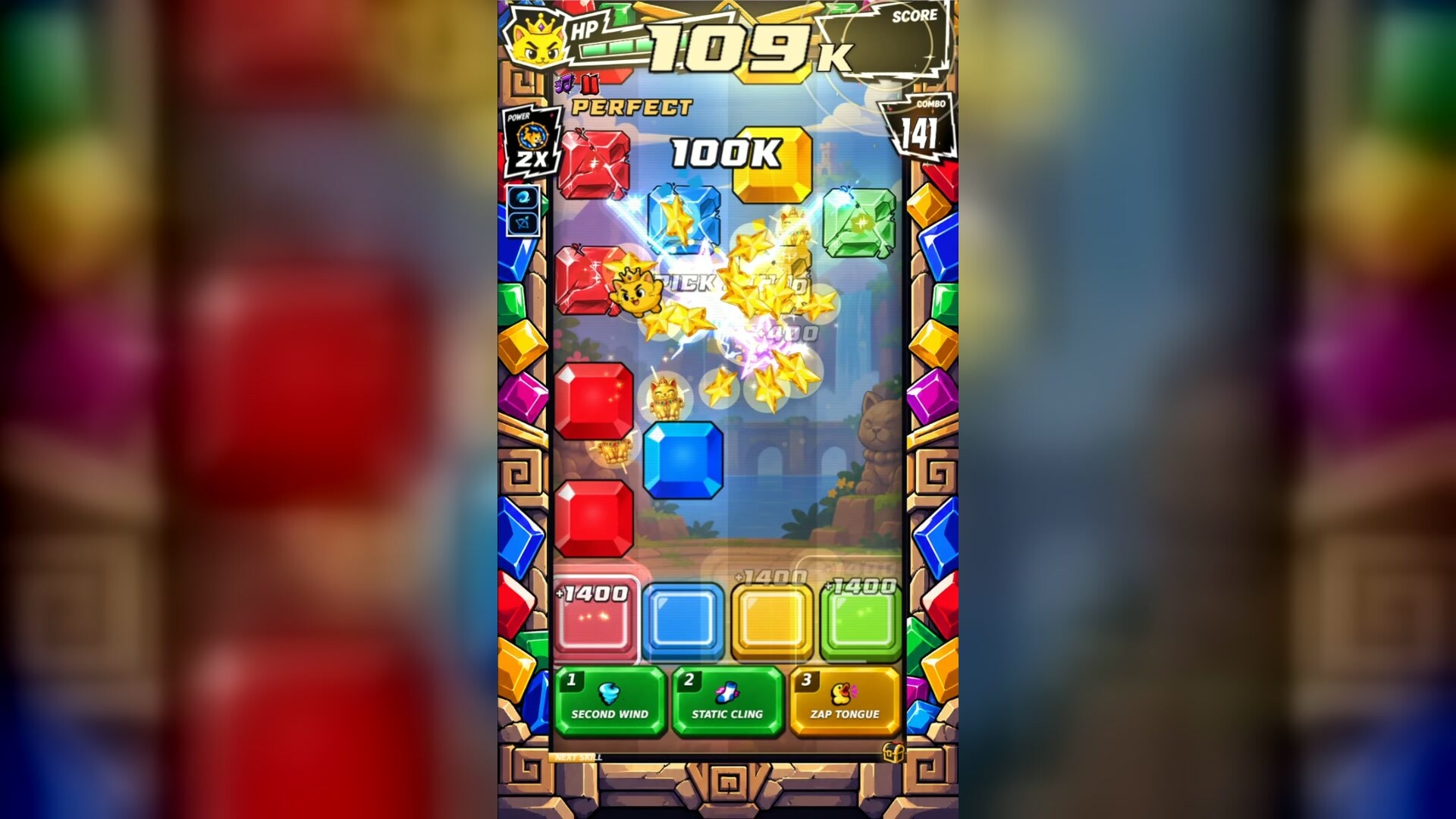
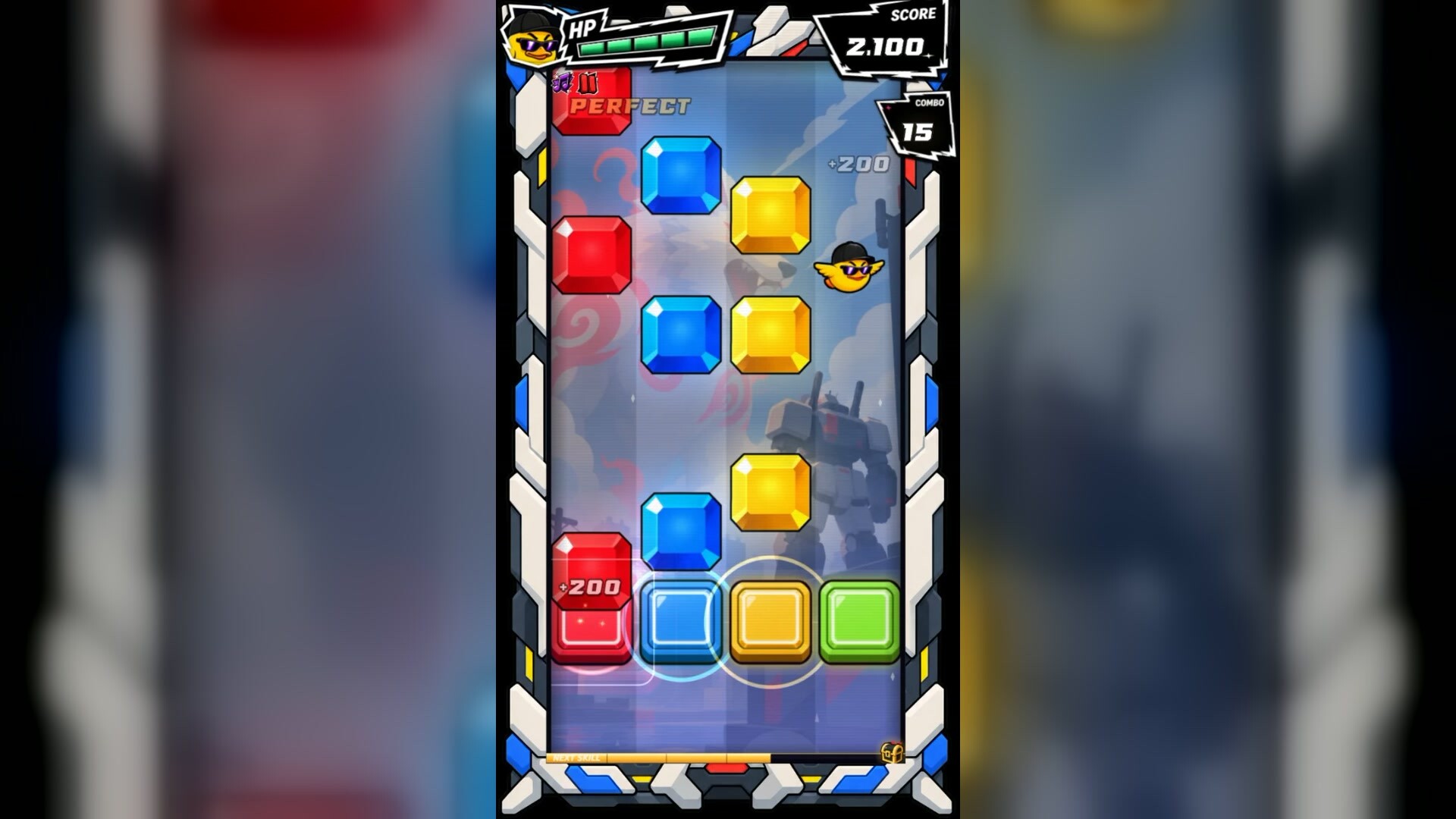
Duckstep is a rhythm game where every clean hit builds something. Gems fall down four lanes and you catch them on the beat. But the beat is also the trigger: your character's power, your drafted skills and the items orbiting you all fire on your press, never on a timer. Smash gems, as the speed and gem count progressively get faster!
THIS DEMO
Levels 1 to 3 with shortened songs, three characters, the skill draft, Duck Step and Jackpot. The shop, versus mode, leaderboards and the other 17 levels are in the full game, coming to Steam in November 2026.
EVERYTHING FIRES ON THE PRESS
Powers go off every 2nd, 3rd or 4th press depending on your stepper. Drafted skills count your successful presses and fire on the Nth. Falling items are grabbed on touch, orbit you, and cash in on your next Good or Perfect.
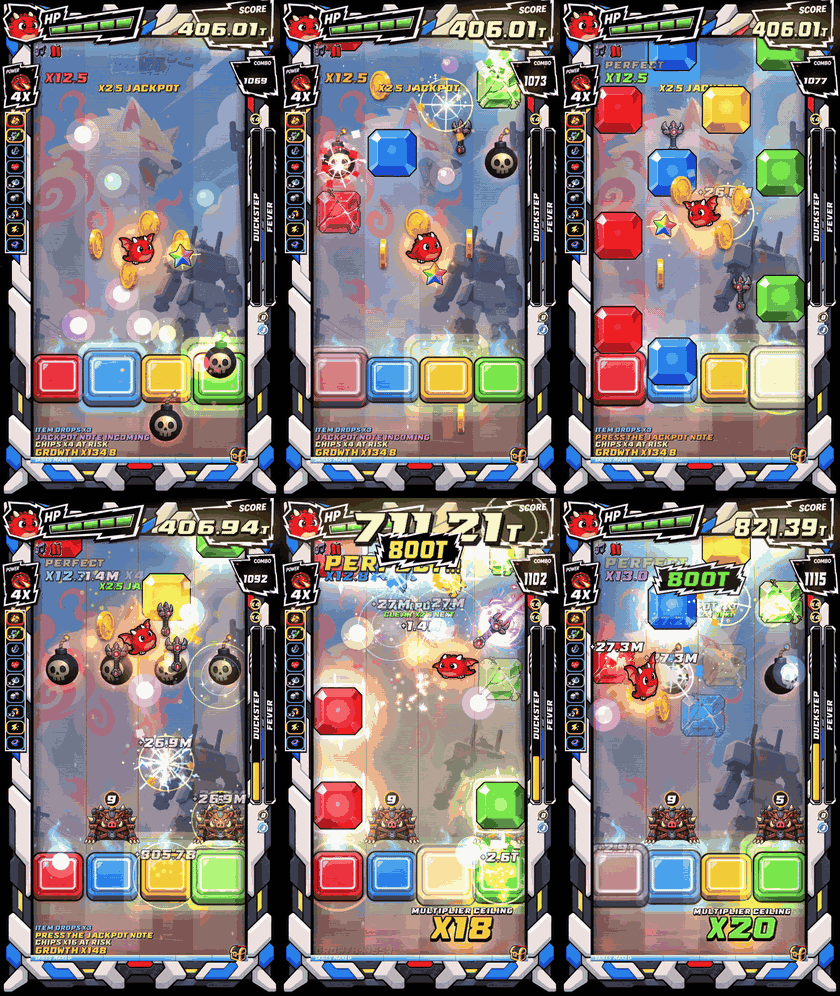
THE PADS KEEP THE BEAT
The lane pads pulse on every beat, a ring closes in on each gem as it arrives, and a landed hit stamps the pad. Hit Fever or Duck Step and the colours chase across the pads in time.
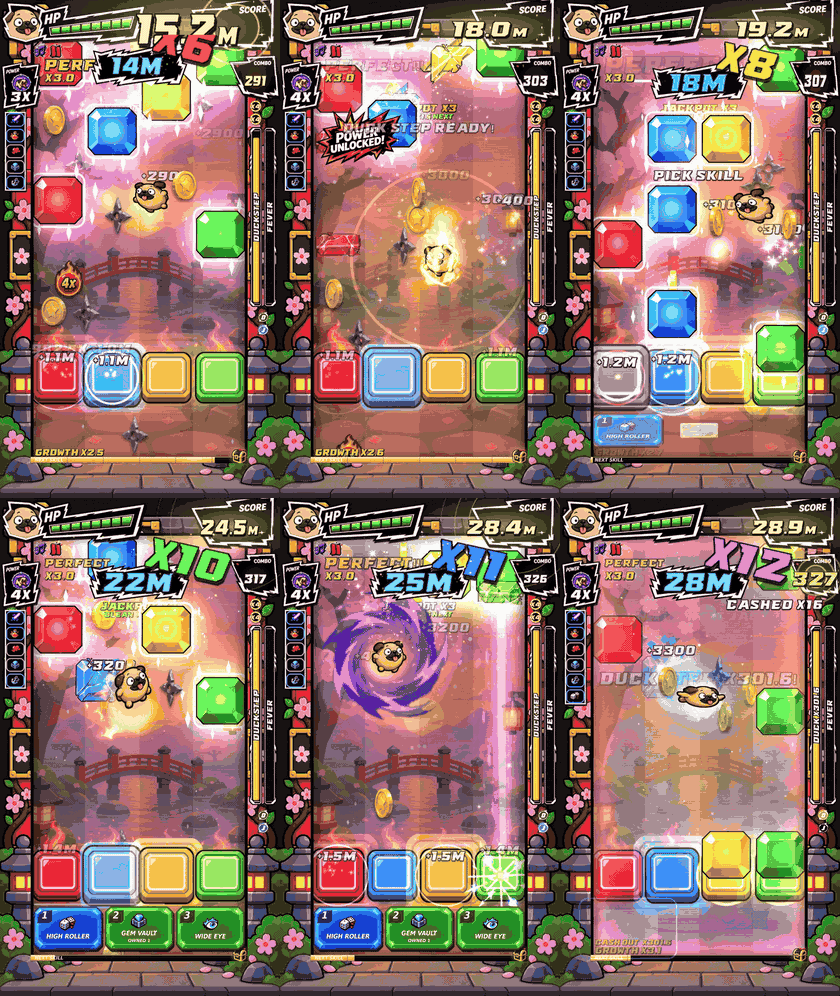
HEALTH YOU CAN PLAY BACK
Every graded hit regrows HP; a miss still costs a chunk. Play clean and you climb back out of trouble.
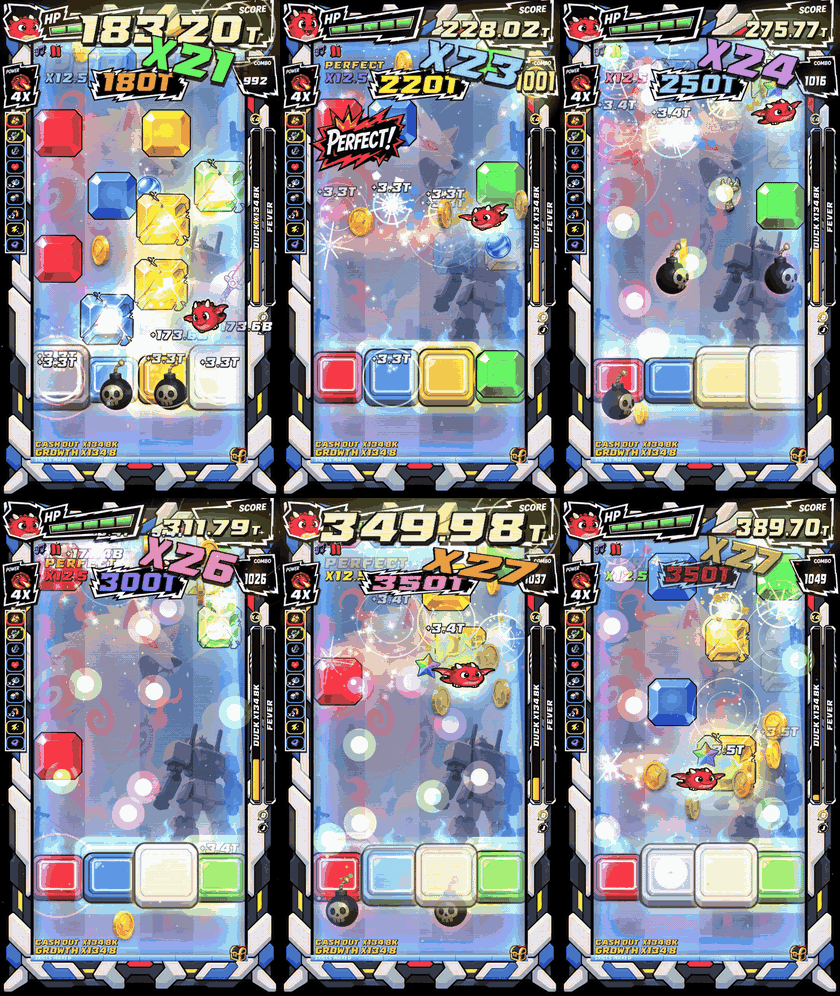
RANKS ON ACCURACY
S, A, B or C from your real presses only, on a fixed Perfect window. Gems your powers cleared for you don't count.
CONTROLS
Arrow keys by default; A S K L, A S W D and D F J K are available in Settings. Controller supported. Windows 10/11, 64-bit, about 830 MB installed.
FULL GAME ON STEAM
Wishlist Duckstep: https://store.steampowered.com/app/5183960/Duckstep/
Download
Install instructions
Unzip the folder anywhere and run Duckstep Demo.exe. Windows 10/11, 64-bit, about 830 MB installed.
The demo is not code-signed yet, so Windows SmartScreen may warn on first launch: click More info, then Run anyway.
Progress is saved under %APPDATA%\Duckstep Demo and carries over to the full game on Steam.
Development log
- Every tap triggers the chaos — try the Duckstep demo 🦆🎵2 days ago
- The Duckstep demo is out8 days ago
Leave a comment
Log in with itch.io to leave a comment.